5 Ways to Make Your Instagram Bio Stand Out Without Any App
I spent way too long staring at my Instagram bio last month. Tweaked the wording, swapped emojis around, deleted it, rewrote it. And then I realized the actual problem. It looked exactly like every other bio on the platform. Plain text. No visual punch. Nothing to make someone stop and actually read it.
Instagram doesn’t give you any formatting options. No bold button, no italic toggle, nothing. What you type is what you get.
But here’s the thing. There’s a workaround, and it doesn’t involve downloading some sketchy font app. It’s Unicode. There are thousands of characters that look like bold, italic, small caps, and other styled text, but they’re technically just regular characters. Instagram displays them fine. You just need a tool to generate them, then copy-paste into your bio. That’s it.
Here are five tricks I keep coming back to.
1. Bold and Italic Text
This one’s the biggest bang for your buck. Bold text creates instant visual hierarchy, and your eye goes straight to it.
Look at the difference:
Plain: Fitness coach | NYC | Helping busy professionals get strong
Formatted: 𝗙𝗶𝘁𝗻𝗲𝘀𝘀 𝗖𝗼𝗮𝗰𝗵 | NYC | Helping busy professionals get strong
See how “Fitness Coach” pops now? You immediately know what this person does without reading the whole line.
Italic is more subtle. It’s great for taglines or anything you want to feel conversational:
𝘔𝘢𝘬𝘪𝘯𝘨 𝘩𝘦𝘢𝘭𝘵𝘩𝘺 𝘧𝘰𝘰𝘥 𝘵𝘩𝘢𝘵 𝘢𝘤𝘵𝘶𝘢𝘭𝘭𝘺 𝘵𝘢𝘴𝘵𝘦𝘴 𝘨𝘰𝘰𝘥
You can mix bold and italic too, or try script styles if you want something completely different. Just paste your text into a bold and italic text generator, pick a style, copy, done. Ten seconds.
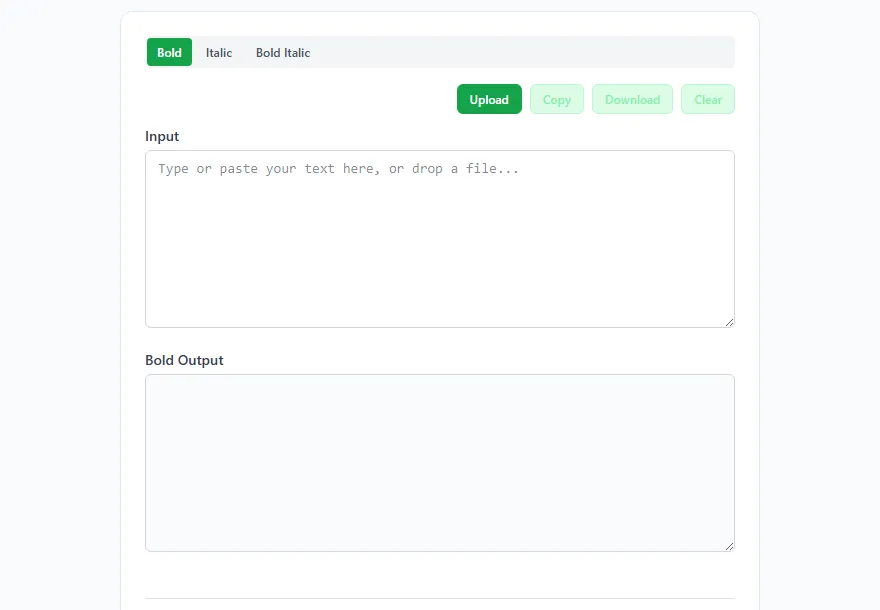
Works best for job titles, brand names, taglines, and calls to action.
2. Strikethrough Text
Okay, this one’s my favorite because it adds personality. Strikethrough lets you make a joke in two words:
Perfect Real life, one post at a time
Influencer Just a person who likes good coffee
Professional overthinker. Send help.
There’s something about crossed-out text that feels honest and funny at the same time. People read the strikethrough, read the replacement, and get the joke. It makes your bio feel like a real person wrote it, not a marketing team.
And it’s not just for casual accounts. I saw a lawyer’s bio that said “Boring Serious legal advice” and honestly? Memorable. Way more than “Professional legal services” would ever be.
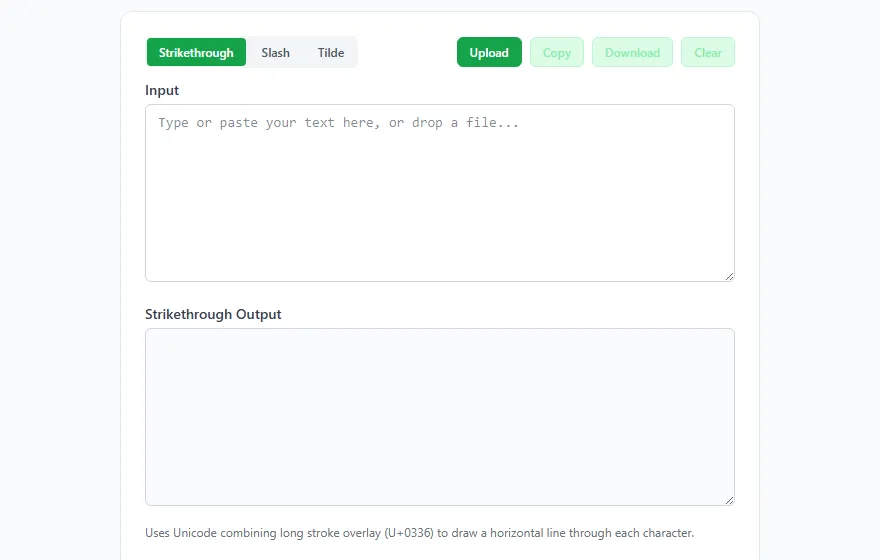
Grab a strikethrough text generator, type your text, copy the output, paste it in. The tool adds the Unicode combining characters that create the line-through effect.
3. Small Caps and Superscript
Small caps don’t get enough love. They make your bio look editorial, like it was typeset on purpose.
Regular: Photography | Weddings | Portraits | NYC
Small caps: ᴘʜᴏᴛᴏɢʀᴀᴘʜʏ | ᴡᴇᴅᴅɪɴɢs | ᴘᴏʀᴛʀᴀɪᴛs | ɴʏᴄ
That second version just feels like a luxury brand, right? It’s clean, intentional, and different from what everyone else is doing. Photographers and creatives especially, this is your move.
Then there’s superscript, which is fun in a totally different way:
welcome to my corner of the internet ᵈᵒⁿ’ᵗ ᵐⁱⁿᵈ ᵗʰᵉ ᵐᵉˢˢ
That tiny text at the end? It feels like a whispered aside. Playful. Inviting. Perfect for personal blogs and creative accounts.
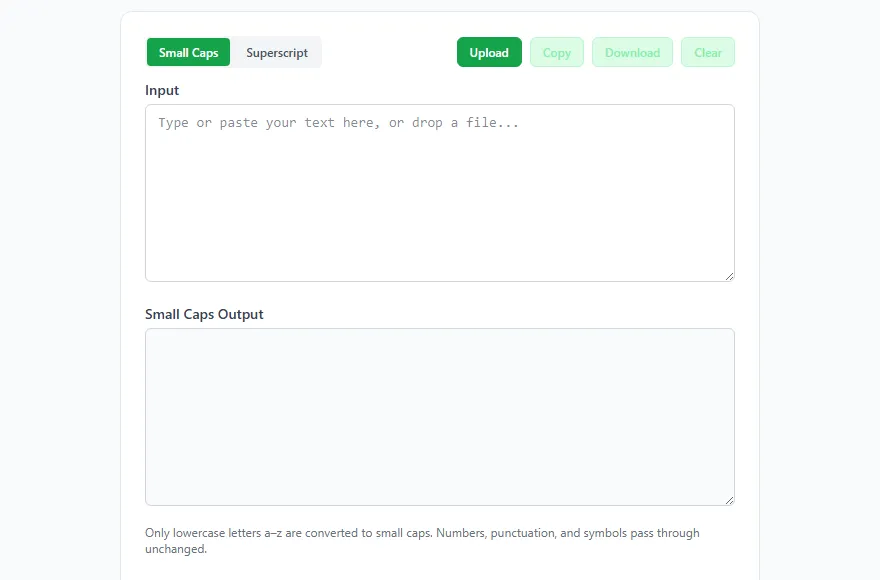
Both are in the small caps and superscript generator. Just pick your style and copy-paste.
4. Upside Down Text
This one’s less about looking polished and more about stopping the scroll. Your brain can’t help it. When you see flipped text, you have to read it.
˙sʇsoԁ ʎɯ ʇɐ ʞoo˥ ˙uʍop ǝpᴉsdn plɹoʍ ǝɥʇ ǝǝs I
Fair warning though: don’t flip your entire bio. It gets annoying to read fast. One line, like a tagline or a punchline, that’s the sweet spot. Enough to be memorable without frustrating anyone.
This works really well for comedy accounts, meme pages, and anyone who doesn’t take themselves too seriously.
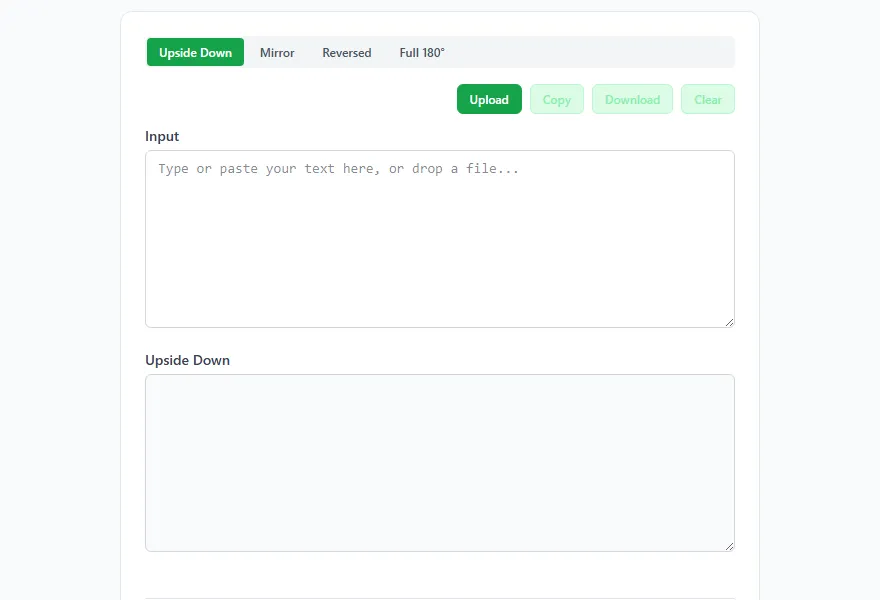
The upside down text generator handles everything including punctuation and numbers.
5. Zalgo (Glitch) Text
Alright, this one’s niche. Zalgo text stacks a bunch of diacritical marks on your characters so they look corrupted and glitchy:
H̷̡̧̛̺̣̰̱̻̲̊̈́̔̏ë̵̛̲̗̰̦̙́̎̌̄l̸̨̧̰̰̜̟̹̃̋̐l̶͎̬̭̲͎̋̂̊o̶̢̨̗̟̰͎̎̈́̃
Not for everyone. Obviously. But if you’re in the horror, gaming, dark art, or cyberpunk space? Your audience already knows what this is and they’ll love it.
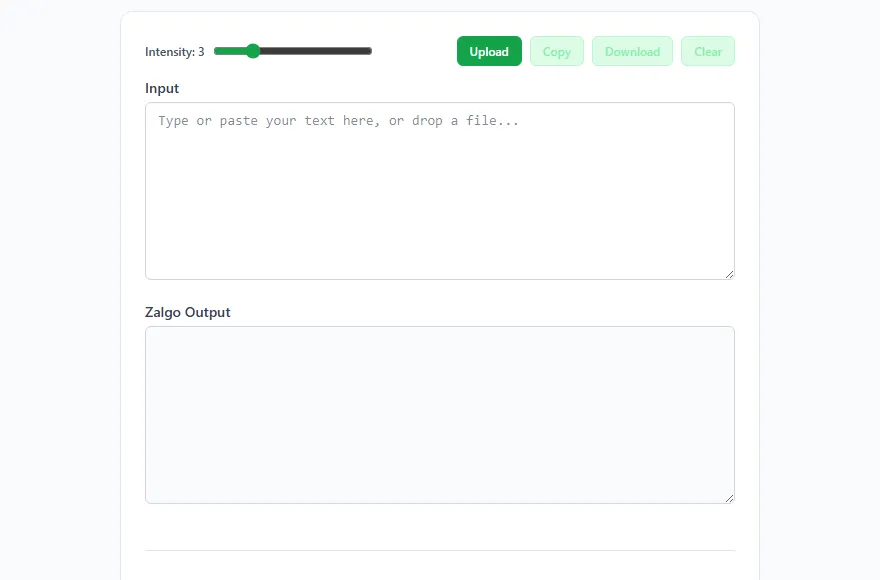
You can control the intensity too. Light Zalgo is edgy but readable. Heavy Zalgo is pure visual chaos, more about the vibe than the words. For a bio, keep it light-to-medium so people can still tell what it says.
One thing to watch: Zalgo characters stack vertically, so they take up more visual space than you’d expect. Stick to one or two lines and check how it looks on both iPhone and Android before you commit.
Zalgo text generator. Adjust intensity, copy, paste.
Mix and Match
The real magic happens when you combine a couple of these together:
𝗝𝗲𝘀𝘀𝗶𝗰𝗮 | 𝗙𝗼𝗼𝗱 𝗣𝗵𝗼𝘁𝗼𝗴𝗿𝗮𝗽𝗵𝗲𝗿 (bold for who you are) 𝘔𝘢𝘬𝘪𝘯𝘨 𝘺𝘰𝘶 𝘩𝘶𝘯𝘨𝘳𝘺 𝘴𝘪𝘯𝘤𝘦 2019 (italic for personality) ᴄʜɪᴄᴀɢᴏ · ᴀᴠᴀɪʟᴀʙʟᴇ ғᴏʀ ʙᴏᴏᴋɪɴɢs (small caps for the details)
Each line does a different job. Bold says who you are, italic shows your vibe, small caps handles the practical stuff. It looks like someone actually designed this bio, not just typed it out in 30 seconds.
A Few Things to Know
These Unicode tricks work on Instagram, TikTok, Twitter, Facebook, LinkedIn, Discord, and basically anywhere that supports Unicode. Which is almost everywhere.
But keep a few things in mind:
Accessibility. Screen readers can struggle with Unicode-styled text. If that matters for your audience (and it probably should), don’t go overboard. Keep the important info in plain text.
Search. Instagram doesn’t index Unicode text the same way it indexes normal text. Keep your name field and username in standard characters so people can actually find you. Save the fancy formatting for the bio itself.
Character limits. Each Unicode character counts as one toward Instagram’s 150-character limit, but combining characters (like the ones in Zalgo and strikethrough) can add up. Double-check your count before saving.
That’s it. All free, all runs in your browser, all takes about a minute. No reason your bio should look like everybody else’s.
Try These Tools
Bold & Italic Text Generator
Generate bold and italic text online for free. Preview text in bold, italic, or bold italic and copy instantly - no signup, runs in your browser.
Open Tool →Strikethrough Text Generator
Generate strikethrough text online for free. Cross out text with horizontal, slash, or tilde styles - copy and paste anywhere, runs in your browser.
Open Tool →Upside Down Text Generator
Flip text upside down online for free. Four modes: upside down, mirror, reversed, and full 180 rotation - copy and paste anywhere, runs in your browser.
Open Tool →Small Caps & Superscript Generator
Convert text to superscript and small caps Unicode characters.
Open Tool →Zalgo Text Generator
Generate creepy Zalgo text with adjustable intensity.
Open Tool →